TVs
TVs
Our most authentic
colour ever
Unleash the full spectrum of cinematic experience. Flagship True RGB delivers remarkably our most true-to-life colour yet with independently controlled three-colour RGB LEDs—immersively revealing every story, even in the darkest scenes.
Your home. Your cinema
BRAVIA captures the full depth of the story, delivering rich, authentic visuals that pull you deeper into every scene—so you can experience each work just as the creators meant it to be seen.

Best big screen experience
A Sony large-screen TV brings movies, as well as a wide variety of other content, to life with stunning picture quality and rich, powerful sound.
Discover Sony's big screen TVs
Authentic picture. From the studio to your screen
Step closer to the filmmaker’s vision. Sony’s Studio Calibrated modes deliver pictures that stay faithful from studio to screen, across your favourite streaming platforms.012345
Discover Studio Calibrated modes
Socle fin en forme de T
Harmonie avec votre pièce et votre décoration. Notre socle fin en forme de T s'adapte parfaitement au téléviseur et à votre espace de vie.0123

Epic Quality. Limitless Entertainment
Explore a huge selection of the latest blockbusters, classic hits, and hidden gems from Sony Pictures. Choose favorites to add to your collection included with your BRAVIA TV. Experience next-level picture and sound quality with Pure Stream technology and IMAX Enhanced movies on Sony Pictures Core.01234
Explore SONY PICTURES CORE
Built with Sony Pictures Entertainment
Through the evaluation with Sony Pictures Entertainment, our TVs are designed to faithfully reproduce the filmmaker's intended vision in any home lighting environment, by naturally minimizing reflection.0

My Cinema presets. Tailored to the moment
Choose from cinema-optimised picture and sound presets designed for various viewing environments, such as the time of day or room environment. These presets adjust your TV for the best movie-watching experience with just a single step.①: Filmmaker-intended visuals preset ②: Dialogue clarity preset0
0
Over a billion vivid, real-world colours
See the world's colours with all the vibrance of real life. Our XR Triluminos Pro™ reproduces over a billion of them with the subtle differences from saturation and hue that enables natural shades in every detail.
0
0
Beautiful colours from any angle
Watching TV from the sides is now as satisfying as from the centre. Our OLED panel keeps colours consistent and true, wherever you're watching.
Day or night—the picture adapts automatically
No need to adjust a thing. BRAVIA senses the light around you and fine-tunes the picture—including colour tone—automatically, keeping movies comfortable and cinematic at any hour.

Individually calibrated. Consistently flawless
Behind every BRAVIA is meticulous craft. By factory calibrating each panel one by one, we remove variations and ensure consistent, high-quality performance you can rely on.0

0
0
0

All-round cinematic, go beyond conventional virtual surround sound
It’s nothing short of revolutionary. Our 360 Spatial Sound Mapping technology creates phantom speakers beyond physical speakers for a cinema-like layout and true movie theatre entertainment at home.0 1 2

Easily expand your cinema: Subwoofer and rear speakers
Add just what you want—subwoofer, rear speakers, or both—directly to BRAVIA for your ideal cinema sound. Enjoy stronger bass, greater impact, and a wider surround field—transforming movies into a bigger, more cinematic experience. An easy upgrade without the complexity of a full home theatre system.012

Ready for 360 Spatial Sound Personalizer
Tailor your Dolby Atmos® and DTS:X® experience by combining our wearable speaker or BRAVIA Theatre U with BRAVIA for spatial surround. Works with some Sony Headphones too.01

Single view, simultaneous sound
Our TV with simultaneous sound output lets you listen to a show on your headphones while your partner listens to the same show through the TV speakers. You can also change the volume using Bluetooth devices separately.0

Control your BRAVIA Theatre effortlessly
Easily control features such as sound field and volume using just the TV remote. With an integrated UI, soundbar sound settings automatically appear on the BRAVIA Quick Settings menu.0

Entertainment you love. With help from Google
Google TV™ brings together movies, shows, and more from across your apps and subscriptions and organises them just for you.01234 5

Content
Over 10,000 apps and games, straight to your TV
Turn on and tune in, all at once. With dedicated buttons for your go-to apps, you can skip the TV warm-up and dive right into the action.012345678

Control
Smooth control, via new remote or app
Control BRAVIA your way. Use the newly designed remote—crafted through an inclusive design process with feedback from blind, low vision and sighted users, made with recycled plastic, complete with a backlight and finder function—or the BRAVIA Connect app on your smartphone. With either, you can adjust volume, fine-tune settings, or check your set-up, all without the on-screen menus.0 1

Use your voice to control your TV and more—just ask Google
Your TV is more helpful than ever. Using hands-free voice control, you can find movies, stream apps and play music.01234


Connect with your Alexa
Connect your Alexa enabled devices for seamless hands-free control of BRAVIA. With Alexa, you can power up your TV, change channels, control volume and more.0123

Connect
Google Cast™
Stream from your device. Easily cast movies, shows, photos, and more from your phone or tablet, right to your TV.01

Compatible with Apple AirPlay 2
Stream effortlessly to your TV from your iPhone, iPad or Mac. Watch movies from apps or Safari. Share photos with friends in the room.01

Accessibility Technology on Google TV
You can use a talk back, closed captions, Switch Access, and more to make your Google TV device more accessible.

User consents to a mandatory software update at set-up and such other additional updates that may be required in the future by Google and/or Sony.
0123
01

012
01
0 123
012

4K / 120fps01

Variable Refresh Rate (VRR)0123

Auto Low Latency Mode (ALLM)0

Check your eco settings. See your power usage
Easily change eco settings, individually or in one go. Eco Dashboard 2 puts everything conveniently in one place and can even monitor your power consumption for optimum efficiency.01

Made using recycled plastic
Our TVs use recycled materials across the body, internal parts, and remote. The back cover—one of the largest components—uses a new biomass-based renewable plastic derived from used cooking oil and other bio-circular materials, debuting in this model.012
Discover more
Smarter packaging: Less ink, smaller size
Even packaging can make a difference. By using less ink and smaller cartons, we’re reducing our environmental footprint without compromising quality.01

Accessibility
A remote for everyone
A newly designed remote made easy for everyone. Created with feedback from users with disabilities, it features bigger buttons, distinct shapes, and clearer spacing for easier navigation by touch. A new wave-textured back improves grip and comfort, while the Remote Finder function helps locate the remote—valuable for all users, including those who are blind or have low vision.01
More details here
Talkback and text magnification functions
Talkback allows you to check the TV programme guide or change TV settings without looking at the screen, while Text Magnification displays an enlarged version of the focused text at the bottom or top of the screen. Text Scaling enlarges not only specific text but all on-screen text by up to 130%.012

Accessible for all
To help people who are blind or have low vision set up the soundbar, tactile dots indicate a QR code for the BRAVIA Connect app, which offers screen reader support. Tactile dots on the back panel indicate the eARC HDMI terminal for connecting to a TV.0

Colour Inversion
The Colour Inversion function inverts the brightness of colours so that bright areas become dark and dark areas become bright. If the text is easier to read with a dark or bright background colour, you can use Colour Inversion to change the background colour. This feature can be turned on or off as needed. Colour Correction function allows on-screen colours to be adjusted to support viewers with various types of colour vision deficiencies, including Deuteranomaly (red–green), Protanomaly (red–green), and Tritanomaly (blue-yellow).0

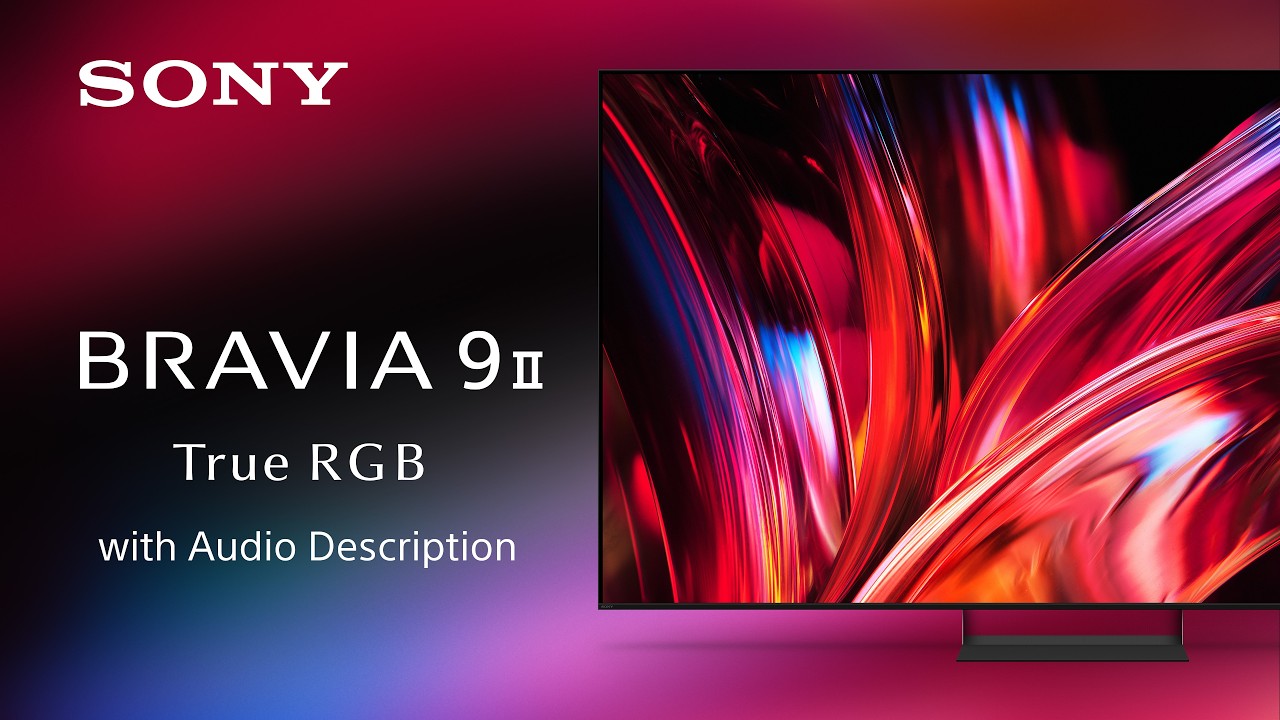
Audio Description Video for BRAVIA 9 II

Designed with the environment in mind
Sony is committed not only to offering products, services and content that deliver exciting experiences but also to working towards our goal of a zero environmental footprint throughout our business activities.
- Dynamic Backlight Control, or pixel-level lighting control, help improve energy efficiency by adjusting display brightness as picture content changes
- Power Saving Mode helps save energy by adjusting the display brightness
- Display Off Mode helps save energy by turning the picture display off without needing to put the TV into full stand-by mode, so audio can still be enjoyed
-
BRAVIA 9 II
K-75XR90M2
189 cm (75") -
BRAVIA 9 II
K-85XR90M2
215 cm (85") -
BRAVIA 9 II
K-115XR90M2
292 cm (115") -
BRAVIA 9 II
K-65XR90M2
164 cm (65")
Warranty
When you purchase a Sony product, you have the peace of mind in knowing that your product is covered by Sony's Standard Warranty provided by Sony Australia Limited (for Australian purchases) and Sony New Zealand Limited (for New Zealand purchases)