Check the following.
- Check if the TV volume is extremely low or muted.
- Check if sound is output normally from sources other than apps (such as broadcasts).
If there is no sound from sources other than apps, refer to the Sound issue article. - If issues occur on a specific app, check the following:
Note- Update the app to the latest version from Google Play Store.
- Ensure the TV has the latest software. For how to perform an update, refer to the How to perform a software update article.
-
If issues occur on specific content: The content itself may not contain audio. The audio format may also not be supported. Also, check the help website of the relevant app.
-
If issues occur on all content in the app: Try the following steps below.
If there is no sound while casting, check the following on the app of the casting device.- Restart the app.
- Sign in to the app again.
- Reset the app.
Note: The following procedure is for Android TV™ or Google TV™ models. If there is no sound while casting, check and perform the operating procedure for the casting device.- Open the
Settings screen. How to access the Settings
- The next steps will depend on your TV menu options:
- Select Apps → See all apps.

- Select Apps.
- Select Apps → See all apps.
- Select the relevant app.
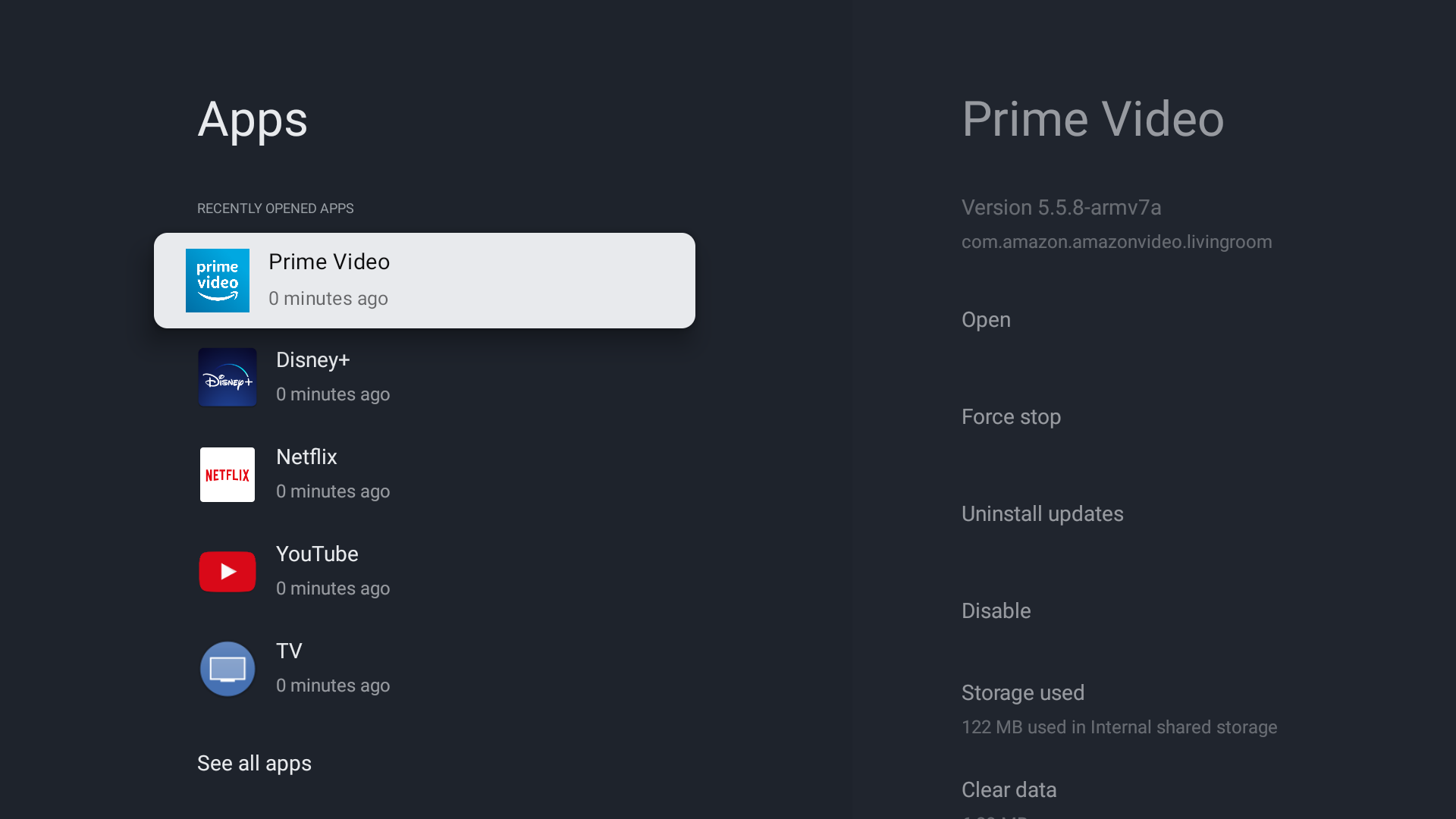
- Select Clear data.
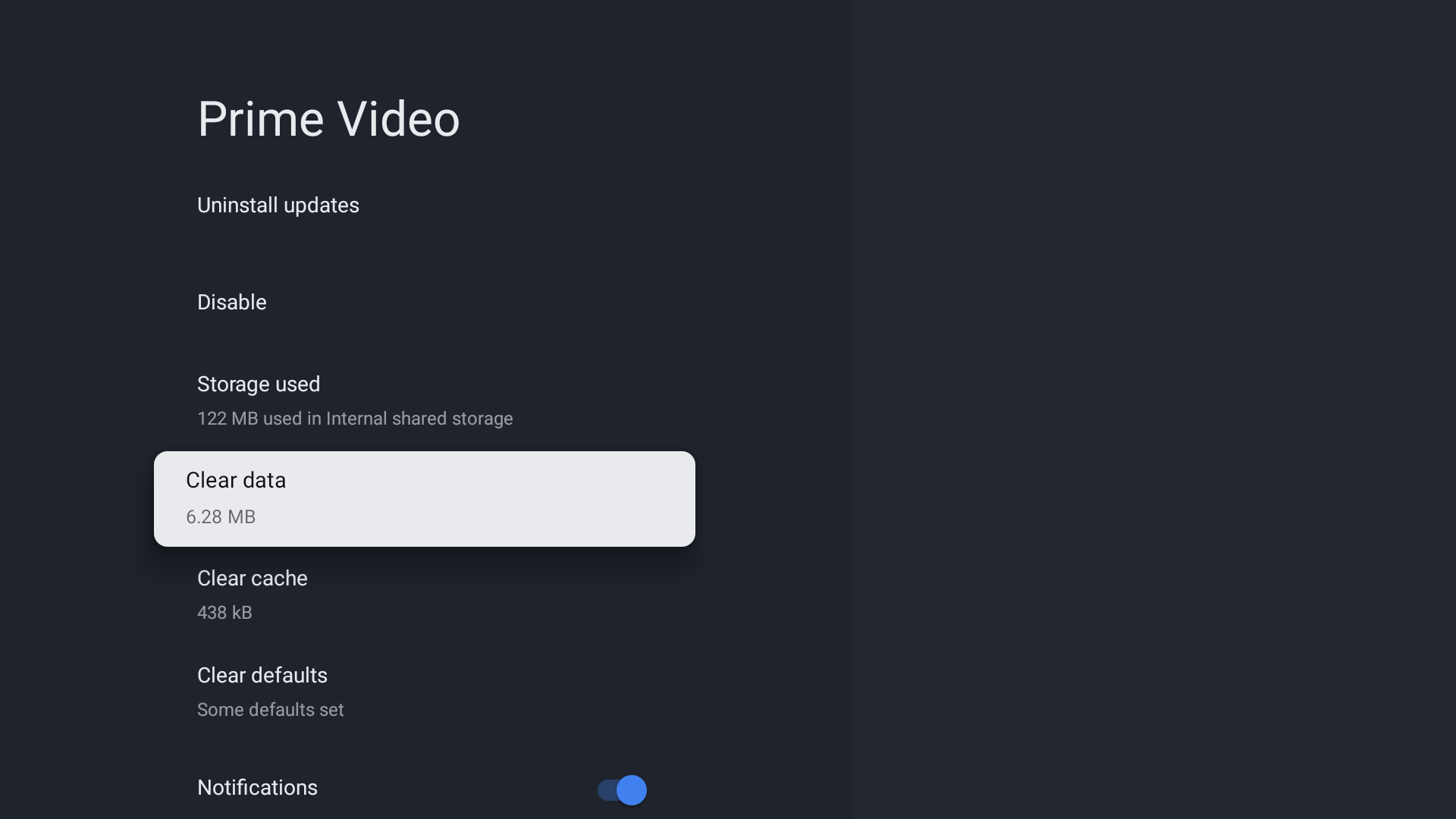
- Select Clear cache.
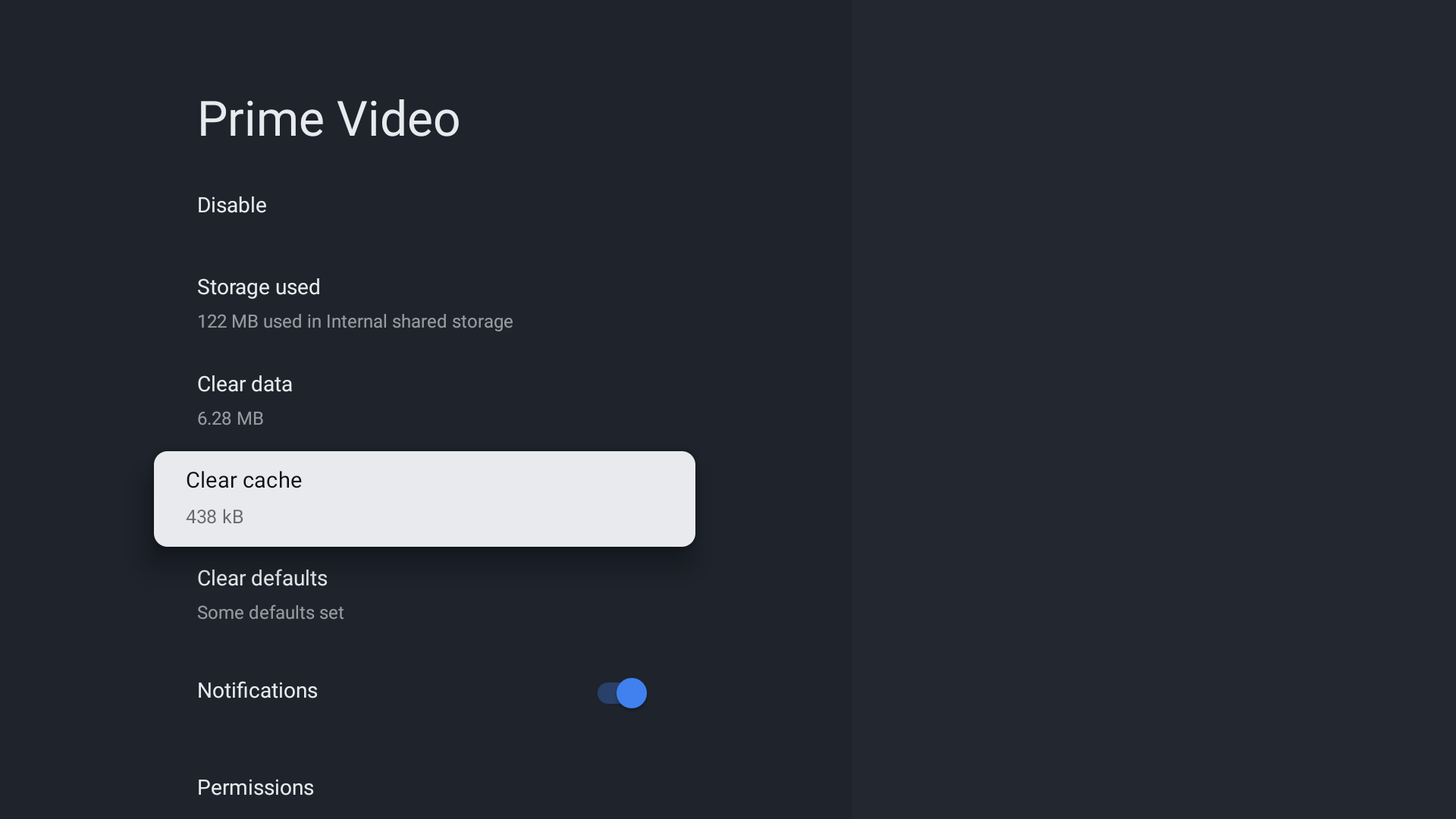
- Select force stop.
- Launch the app again from Home screen.
- Open the
- Perform a power reset on the TV.
- Also check the help website of the relevant app.
- If issues occur even on other apps, refer to the YouTube™, Netflix, or another streaming app installed on my BRAVIA TV doesn't work. article.
- If there is no sound while casting, try restarting the casting device.